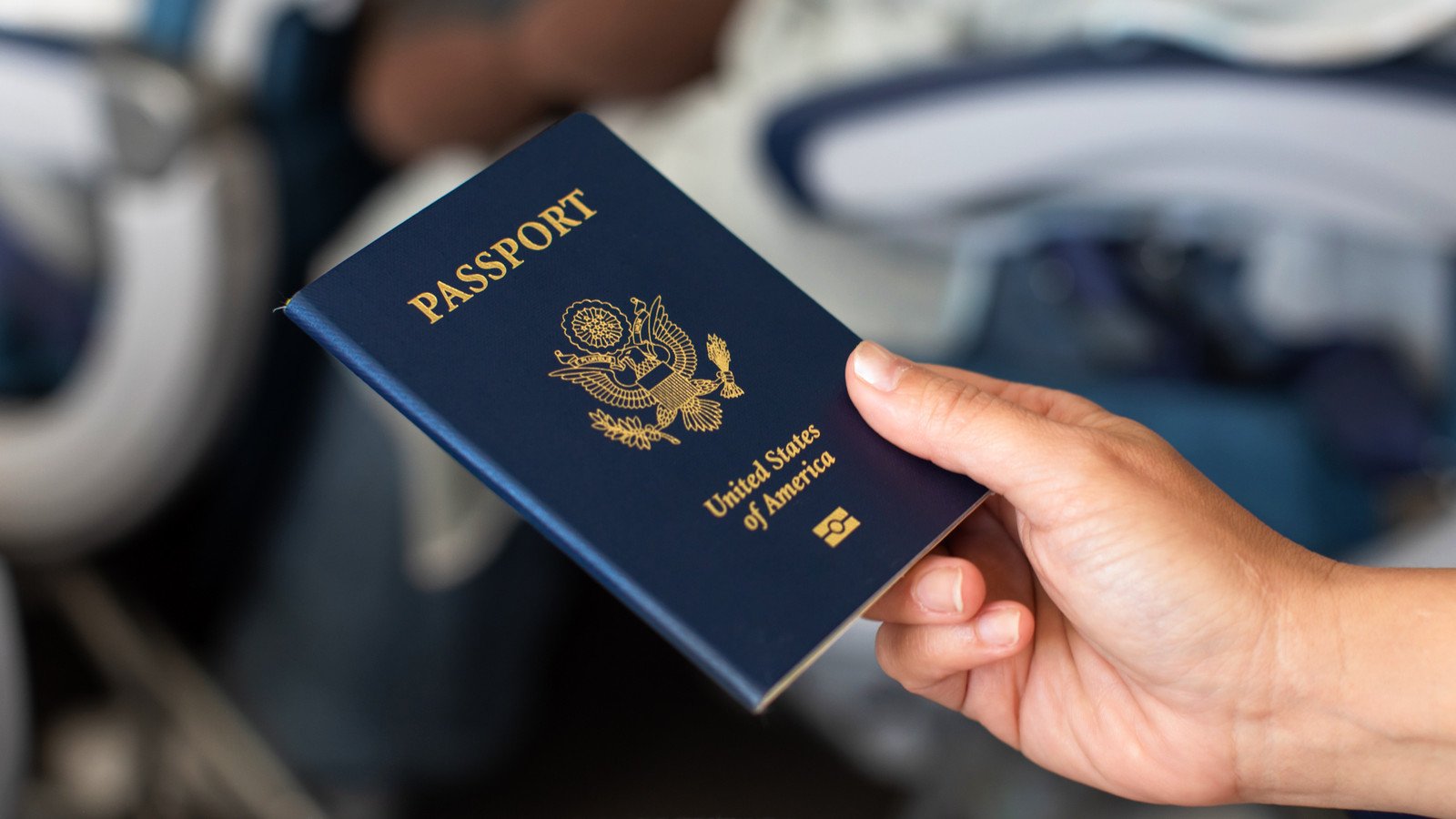
An increasing number of travelers are becoming aware of data privacy risks at airports, from rising concerns about the device searches performed by U.S. Customs and Border Protection (CBP) to fears of potential personal data theft. These issues have led to viral “privacy hacks,” such as the recent trend of people wrapping their passports in aluminum foil for “protection.”
While this travel tip has seen a resurgence across social media platforms lately, the reality behind this DIY security trick tells a different story. TheTravel reached out to CBP for official comment, and here’s what you actually need to know before using an aluminum foil cover for your passport.
How Wrapping Passport In Aluminum Foil Is Supposed To Protect Your Data
In the last few years, travel content creators have popularized the “data privacy hack” of wrapping passports in aluminum foil. The kitchen staple is supposed to shield your booklet’s RFID (Radio Frequency Identification) chip from hidden electronic scanners that can obtain your personal data.
The claim relies on the Faraday cage effect, where a continuous conductive barrier—like aluminum foil—blocks radio signals from reaching the passport’s embedded chip. This trick likely gained traction due to cybersecurity experts acknowledging that a passport’s RFID can be read within at least six inches of an RF reader.
“Most off-the-shelf technology allows a person to read [an RFID chip] as long as they’re within a couple of feet to a couple of inches,” a man named Tinker from Dallas Hackers Association told AFAR in 2018. “This length depends on the antenna and power supply.”
Tinker added that some skilled hackers have been able to scan RFIDs from up to “several feet away,” though the tool to pull this off is not really a portable one.
What The U.S. Passport’s RFID Contains
Your U.S. passport’s RFID chip contains the same information on the document’s data page, including your photo, along with your biometric information and a cryptographic signature that border authorities check to verify the passport has not been tampered with since issuance.
The RFID chip and its surrounding wire antenna used to be sealed inside the back cover of the U.S. e-passport. However, the chips were relocated onto the rigid, multi-layered polycarbonate data page (thick plastic photo card) of the “Next Generation Passports,” which were first launched in 2021, for better durability and resistance to tampering.
What U.S. Customs And Border Protection Says About Passports Covered In Aluminum Foil

TheTravel asked the U.S. Customs and Border Protection about using aluminum foil to cover your passport, and a spokesperson said the agency “does not evaluate, test, or endorse any third-party document covers or DIY modifications, such as aluminum foil.” CBP stresses that travel documents must be presented in their original condition for seamless inspections at ports of entry.
“To ensure the efficient and secure processing of travelers at ports of entry, CBP requires that travel documents be presented in their original condition, free of any modifications or obstructions that could impede the ability of our systems to read the document,” a CBP spokesperson told TheTravel in an e-mail.
While CBP handles border enforcement, the U.S. Department of State—the agency responsible for issuing your passports—has long designed travel documents that address these exact “data hacking” or “e-pickpocketing” scares.
U.S. Passport Book Security Features
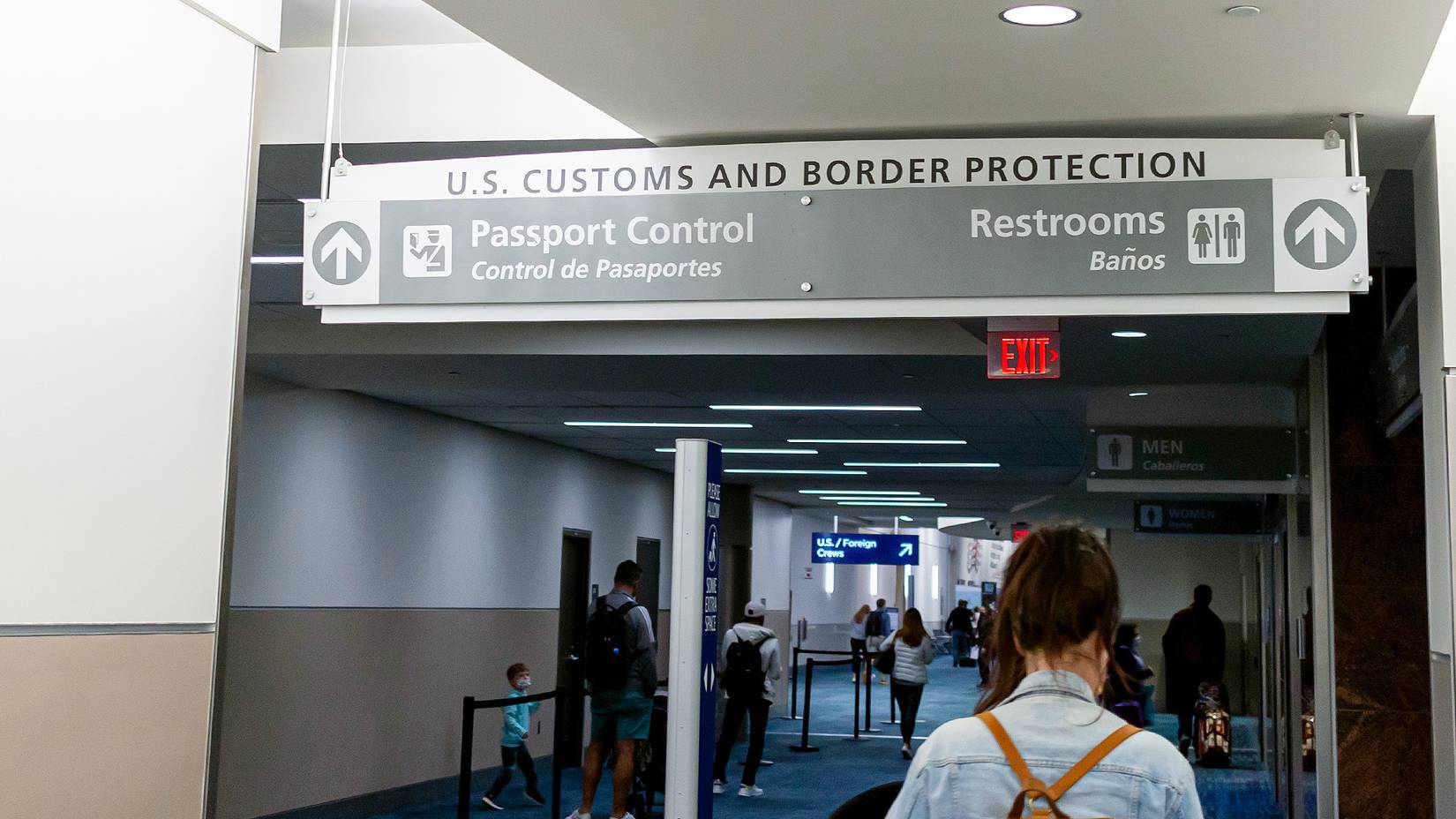
According to the State Department’s official website, the following features of the new U.S. passport book were designed to “improve security and prevent counterfeiting“:
|
Feature |
Security Function |
|
Polycarbonate Data Page |
– Durable, tamper-resistant page containing personal information; made of multiple layers of plastic fused together |
|
Laser Engraving |
– Beams burn text and images beneath the tough polycarbonate plastic via a chemical reaction, making alterations physically impossible without destroying the page |
|
Updated Artwork |
– Highly complex, multi-layered visual patterns that are incredibly difficult for counterfeiters to replicate |
|
Security Fibers |
– Those “tiny hairs” in the passport paper, which are synthetic fibers mixed straight into the liquid paper pulp during manufacturing, create unpredictable patterns so no two genuine U.S. passports have the same fiber arrangement |
|
Perforated Alphanumeric Passport Number |
– A unique serial number burned through every passport page using precision laser technology |
This is why U.S. travelers must be cautious in storing their passports, especially as some “protective” materials like aluminum foil can scratch, crease, or rub away delicate security features. In such cases, your valid passport can easily become a damaged document, rendering it invalid for travel.
Among the other common passport “mutilations” flagged by CBP are bleeding or smudged ink, water damage, chemical stains, faded artwork, and data pages with cracks, heat-caused warping, or delamination (layers peeling apart).
Do You Really Need A Passport Cover To Protect Its RFID?
Given the U.S. passport’s built-in security features, DIY or commercial covers are largely unnecessary. With the RFID chip embedded inside the booklet, radio waves are already blocked whenever your passport book is fully closed. An attacker holding an RFID reader right next to your pocket or bag cannot read your passport, as no signal can get through the cover alone.
Even if your passport is sitting there wide open for a hacker to scan, the chip’s data is securely locked behind a cryptographic protocol called Basic Access Control (BAC). Additionally, using the passport chip to track someone does not provide any value to a criminal, as it does not transmit live location data, like an Apple AirTag or a phone.
It would require a massive network of RFID scanners everywhere to make that happen, which is far too complex and costly for zero real payoff. Ultimately, you don’t need a heavy-duty RFID shield to protect your passport data. However, buying a basic cover is still practical if you want to protect the pages from accidental damage, like spilled coffee, dirt, and rough handling.